Customer onboarding is a sequence of emails and tasks across your team. With Drag, you run the whole handover from your inbox, so nothing slips between sign-up and success. This guide shows how.
Available on: Chrome extension · Web app · Desktop app
Set up onboarding
Create a board and stages
Create a board for onboarding and invite your team. Rename the columns to your onboarding stages, for example Welcome, Kickoff, Setup, Live.
Organize, template, and automate
- Use shared tags and colors to mark plan, segment, or priority, and filter the board.
- Turn your welcome and setup emails into shared templates.
- Use automation rules to assign new customers, apply tags, or send a welcome email automatically, and set where replies land and your default sender.
Operate onboarding
Assign owners and track steps
Assign each customer to an owner and break the work into tasks and subtasks on the card.
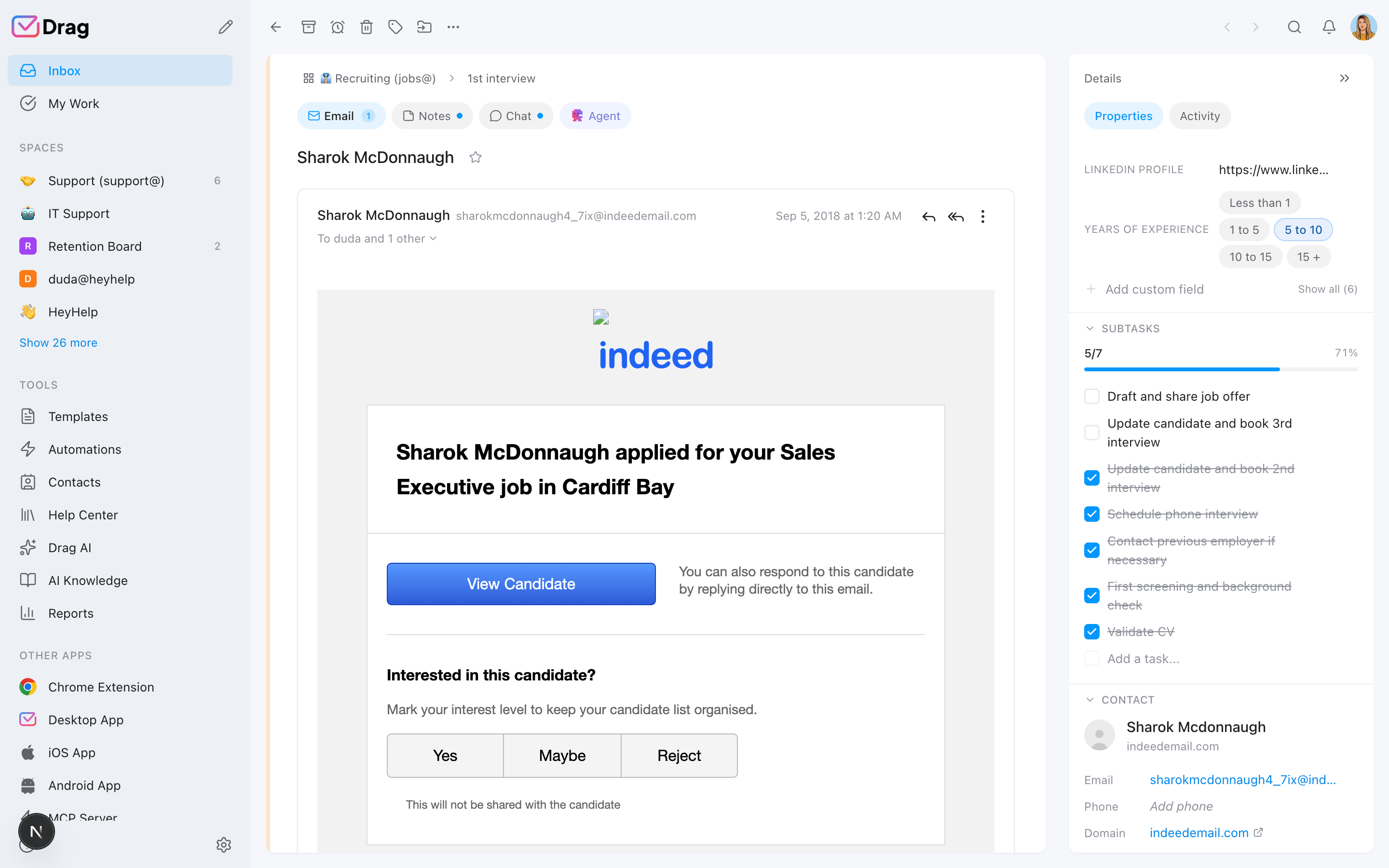
Keep context in one place
Use notes and the card's internal chat to record calls and hand off cleanly. Mention a teammate when you need them.
Speed up replies with AI
With AI credits (included on Plus and Pro, or bought on Starter), AI Drafts suggest replies to onboarding questions for your team to review and send, grounded in the FAQs and documents you add to AI Knowledge. AI Tagging by Intent flags which customers are waiting on you.
Manage your schedule without leaving your inbox
Add due dates that sync to Google Calendar so kickoff calls and check-ins show up on your schedule.
Track progress
Use analytics and reports to see how onboarding is moving across customers.
Using Varley for onboarding
- Know where every customer stands. “What's unresolved on Onboarding this week?”
- Catch up before a kickoff call. Click Catch me up on the customer's thread.
- Share the load. “Assign all the unassigned cards on Onboarding to me”
- Turn answers into articles. “Draft a Help Center article that answers this question”
New to Varley? See What is Varley? and What can I ask Varley?.
Pro tips
- Bring in other teams. Drag a customer into a shared board for product or finance when their step needs another team.