AI Knowledge is where you teach Drag AI about your business. When you add frequently asked questions, useful links, and reference files, Drag uses them to write more accurate and helpful AI Drafts.
Available on: Chrome extension · Web app · Desktop app
AI Knowledge is part of Drag AI, available on the Plus and Pro plans.
Where to find AI Knowledge
Where you open AI Knowledge depends on your platform:
- In the Chrome extension, open your Drag dashboard and open the AI Knowledge tab.
In the web app, open AI Knowledge from the sidebar.
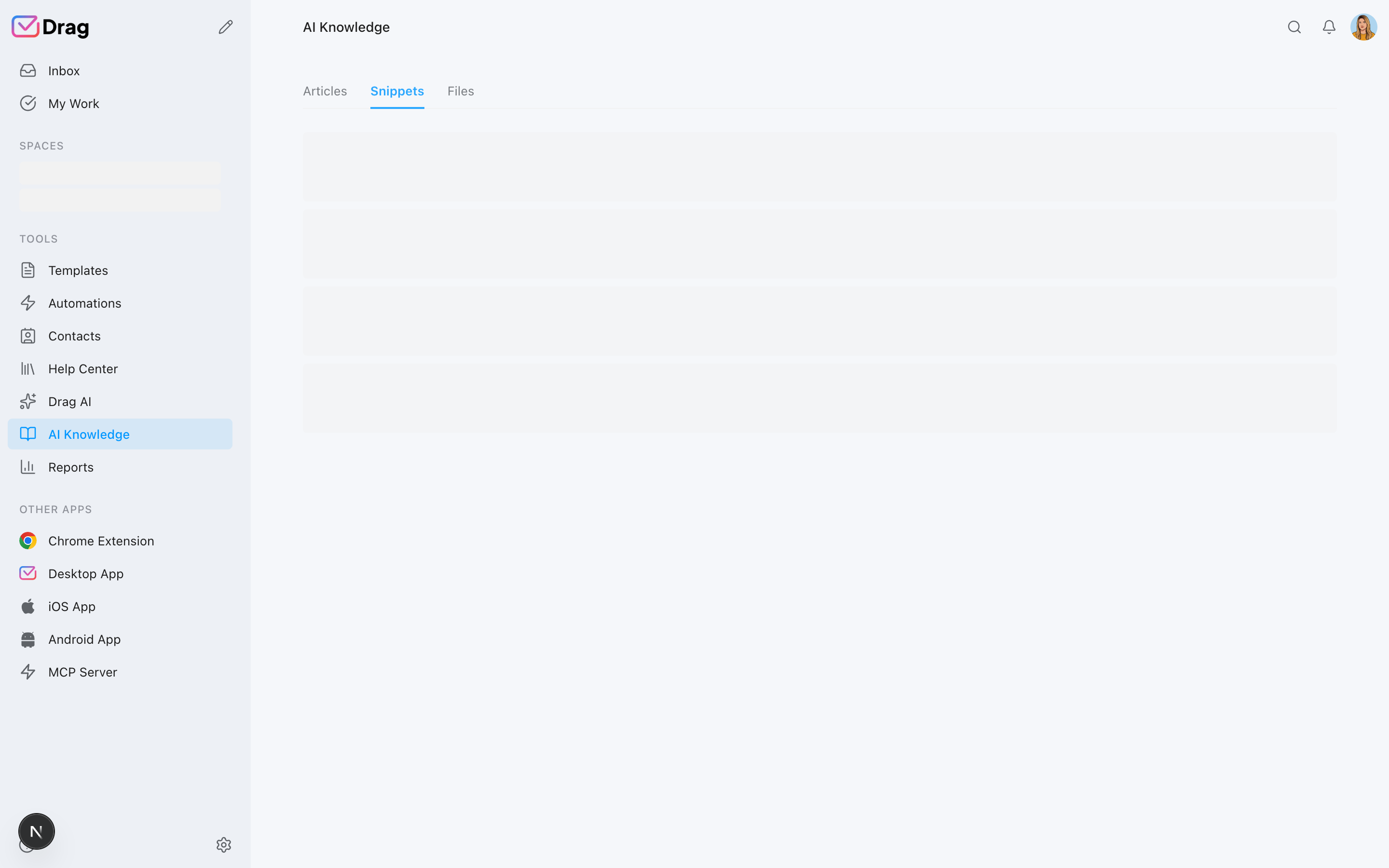
In the web app, these sources are split into tabs: Snippets holds your FAQs and useful links, and Files holds your documents. A third tab, Articles, lets you feed your published Help Center articles to the AI.
The desktop app works the same way as the web app, with silent auto-updates.
Note: If the toggle won't switch on, or the page says AI features are turned off for your team, an admin has turned off AI for the whole team. See How do I turn off AI for my team?
Add FAQs
In the FAQs section, add common questions and the answers you want Drag to give. Drag draws on these when a customer asks a matching question.
- Click + Add FAQ.
- Fill in the question and the answer.
- Save the FAQ.
You can start from the suggested questions, such as "What is your pricing model?" or "How do I get started?", or write your own. To change an answer, open the FAQ and edit it. To remove one, delete it from the list.
Add useful links
In the Useful links section, add URLs that Drag can point customers to, such as support documents, pricing pages, or booking links.
- Click + Add link.
- Enter the URL.
- Save the link.
Upload files
In the Files section, upload documents that Drag can read when it drafts replies.
- Click Upload files.
- Choose the file you want to add.
You can upload PDF, CSV, or TXT files, up to 10 files in total. Uploading files requires the Pro plan, while FAQs and useful links are available on Plus and Pro. Drag uses the content of these files to give more detailed and accurate answers.
Limits
AI Knowledge has the following limits:
- Files: you can upload up to 10 files in total per account. There is no unlimited option.
- File types: PDF, CSV, or TXT.
- Plans: uploading files requires the Pro plan. FAQs and useful links are available on Plus and Pro.
How Drag uses your knowledge
Once your FAQs, links, and files are in place, Drag references them whenever it generates a draft reply. The more relevant your knowledge, the more your drafts sound like your team and reflect your real answers.
Your FAQs, links and files power AI Drafts. Varley, the AI you talk to inside Drag, doesn't use them, so when you ask Varley for a draft, include the facts you want in your request. See Varley, AI Drafts or Claude: which should I use?
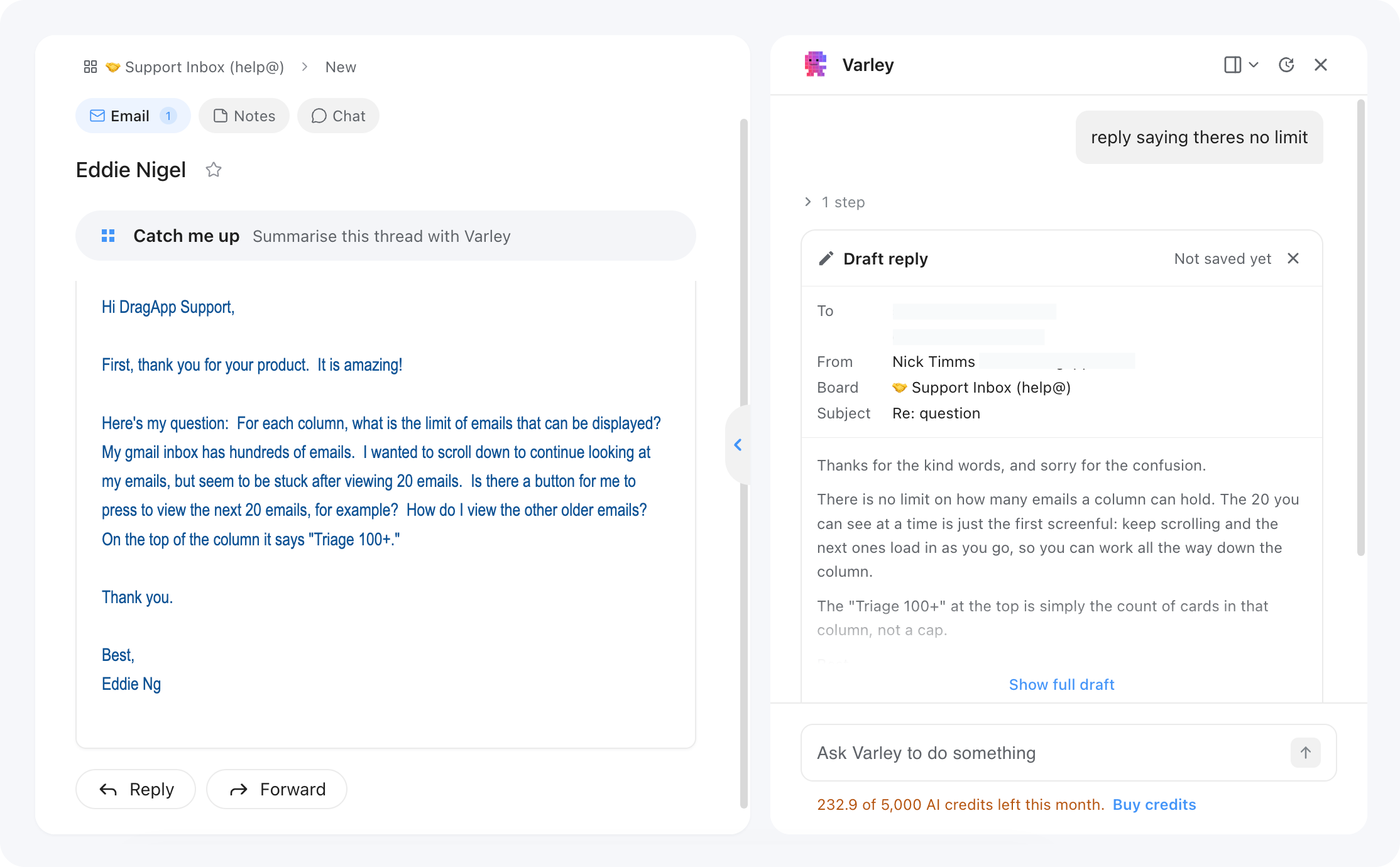
You can also let your published Help Center articles feed Drag AI, so your public documentation and your assistant stay in sync.