Installing Drag takes a couple of minutes. You add it from the Chrome Web Store, then turn it on for the Gmail account you want to use it with.
Available on: Chrome extension. (Prefer Drag without the extension? See the web and desktop options at the end.)
Install the extension
- Open the Drag listing on the Chrome Web Store.
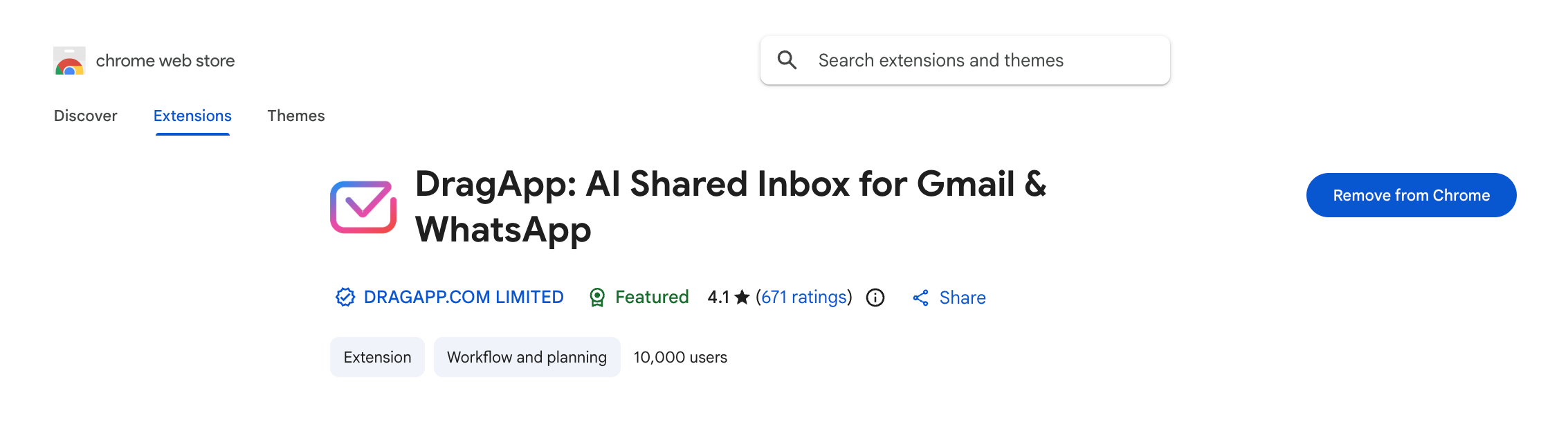
- Click Add to Chrome in the top right, then confirm. Your Gmail tab reloads with a 👋 Welcome to Drag popup.
- Choose the Gmail account you want to use Drag on, then click I'm Ready to turn Drag on for that account. You can enable or disable Drag on any account at any time.
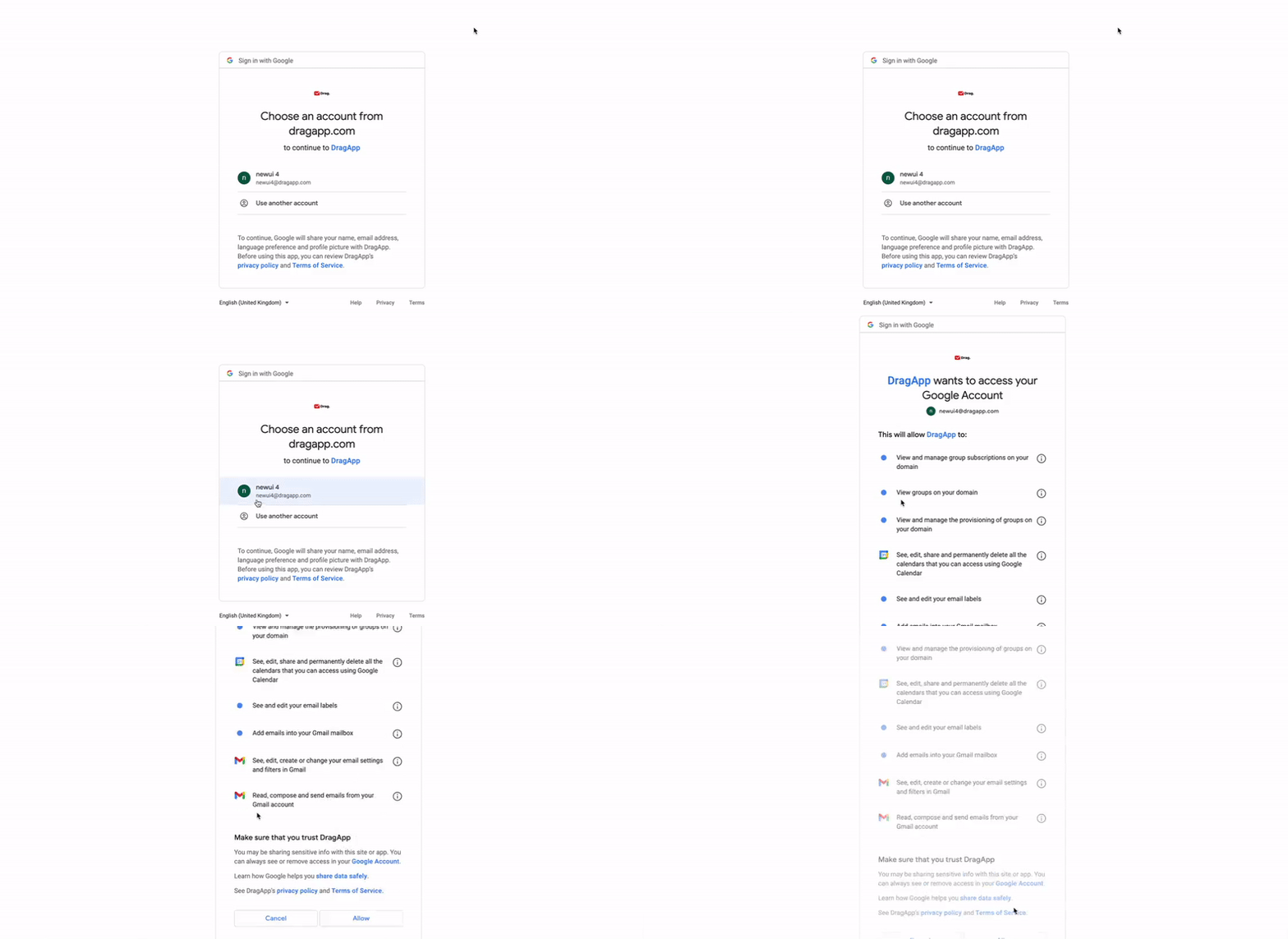
A permissions request opens. Scroll down and click Allow to grant the access Drag needs to work. (Why does Drag ask for these?)
Tip: You can run Drag on some Gmail accounts and not others. See Can I enable/disable Drag in different Gmail accounts?
Note: Don't forget to install our mobile app to stay on top of your boards on the go.
Confirm Drag is installed
You'll know Drag is on when you see:
- The Drag menu button in the top right, next to the Gmail search bar.
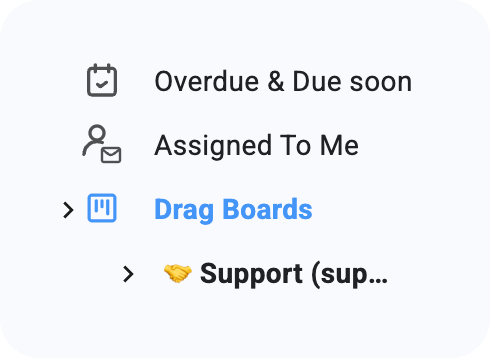
The Today view, Assigned To Me and Drag Boards sections in the left sidebar.
- A toggle in the top right that turns the Drag view in your main inbox on or off.
Installed but nothing changed?
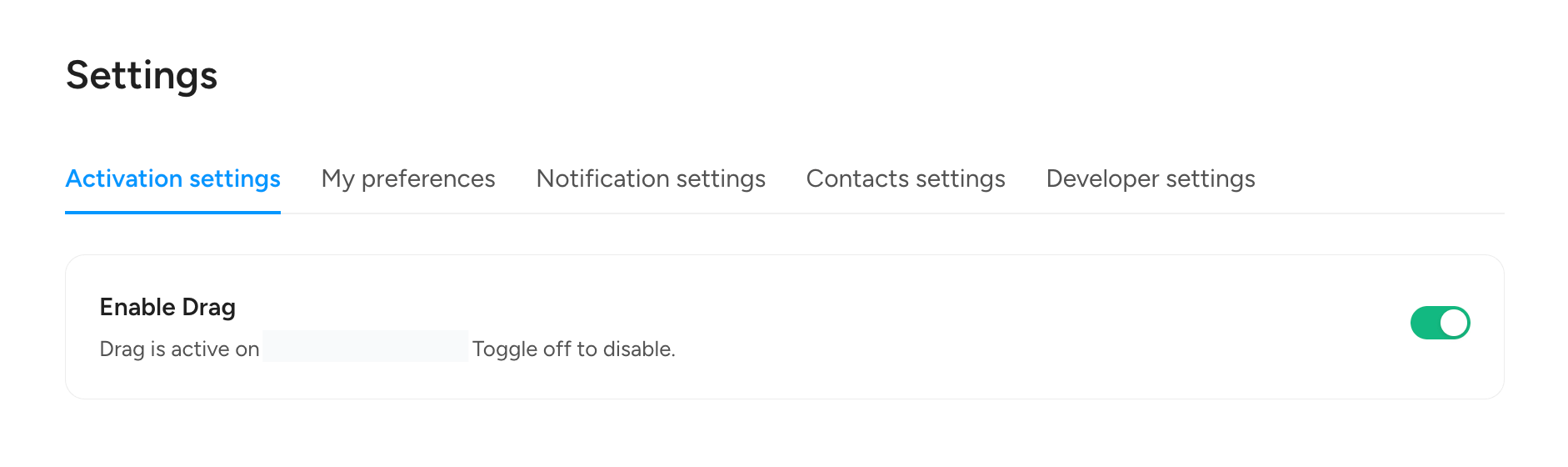
If you can see the Drag menu button but not the boards or the toggle, Drag is likely installed but disabled for that account. To turn it on:
- Click the Drag menu button.
- Go to Settings → Activation Settings.
- Turn on the Enable Drag toggle.
Still not seeing Drag after installing? See I installed Drag and nothing changed in my Gmail.
Prefer to use Drag without the extension?
You don't need the extension to use Drag. You can open the same boards in the web app at app.dragapp.com, or install the desktop app. See How do I use the Drag web app? and How do I install the Drag desktop app?.
Still need help? Our support team is happy to help at support@dragapp.com.
Tip: Once Drag is installed, look for the Varley icon next to the Drag logo in Gmail's top bar. Varley is the AI inside Drag: ask it about your inboxes, catch up on long threads and get replies drafted. See What is Varley?