If you want to stop using Drag, you can remove the Chrome extension in a couple of steps. To fully revoke Drag's access to your account, remove it from your Google Account permissions as well. This article covers both.
Available on: Chrome extension.
Remove the extension
- Type chrome://extensions in your browser address bar to open your extensions page.
- Find the Drag card and click Remove, then confirm.
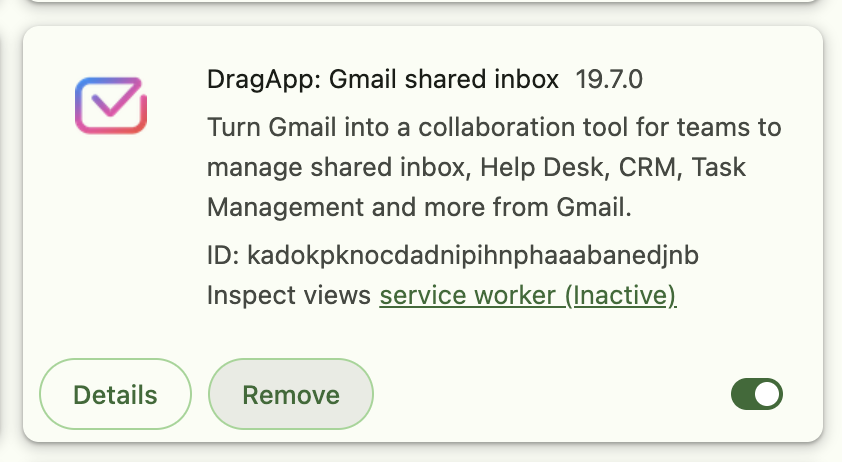
Note: Removing the extension only uninstalls Drag from this browser. To revoke Drag's permission to access your account, which we recommend, follow the rest of the steps below.
Revoke Drag's access to your Google Account
Open your Google Account, then go to Security and sign in.
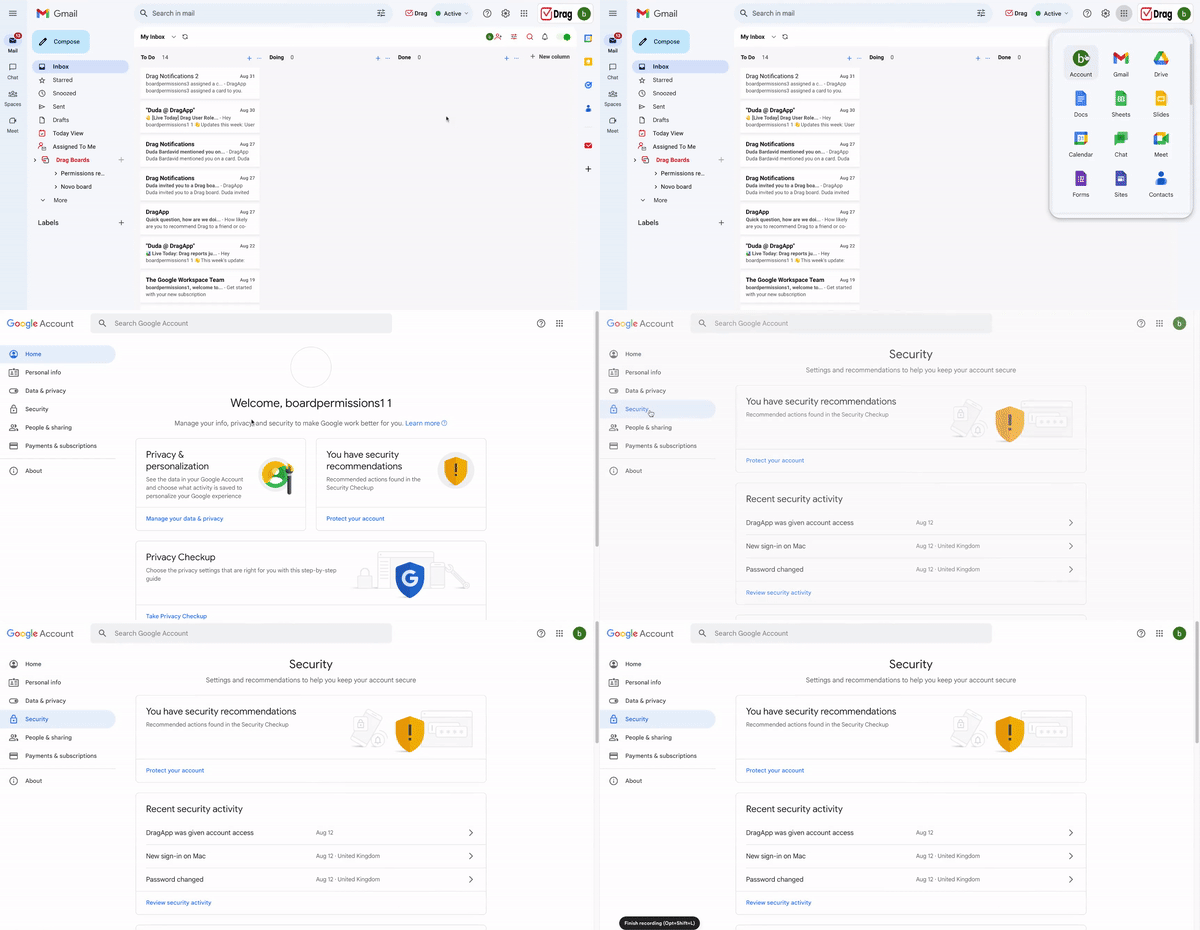
Scroll to Your linked apps and click See all linked apps.
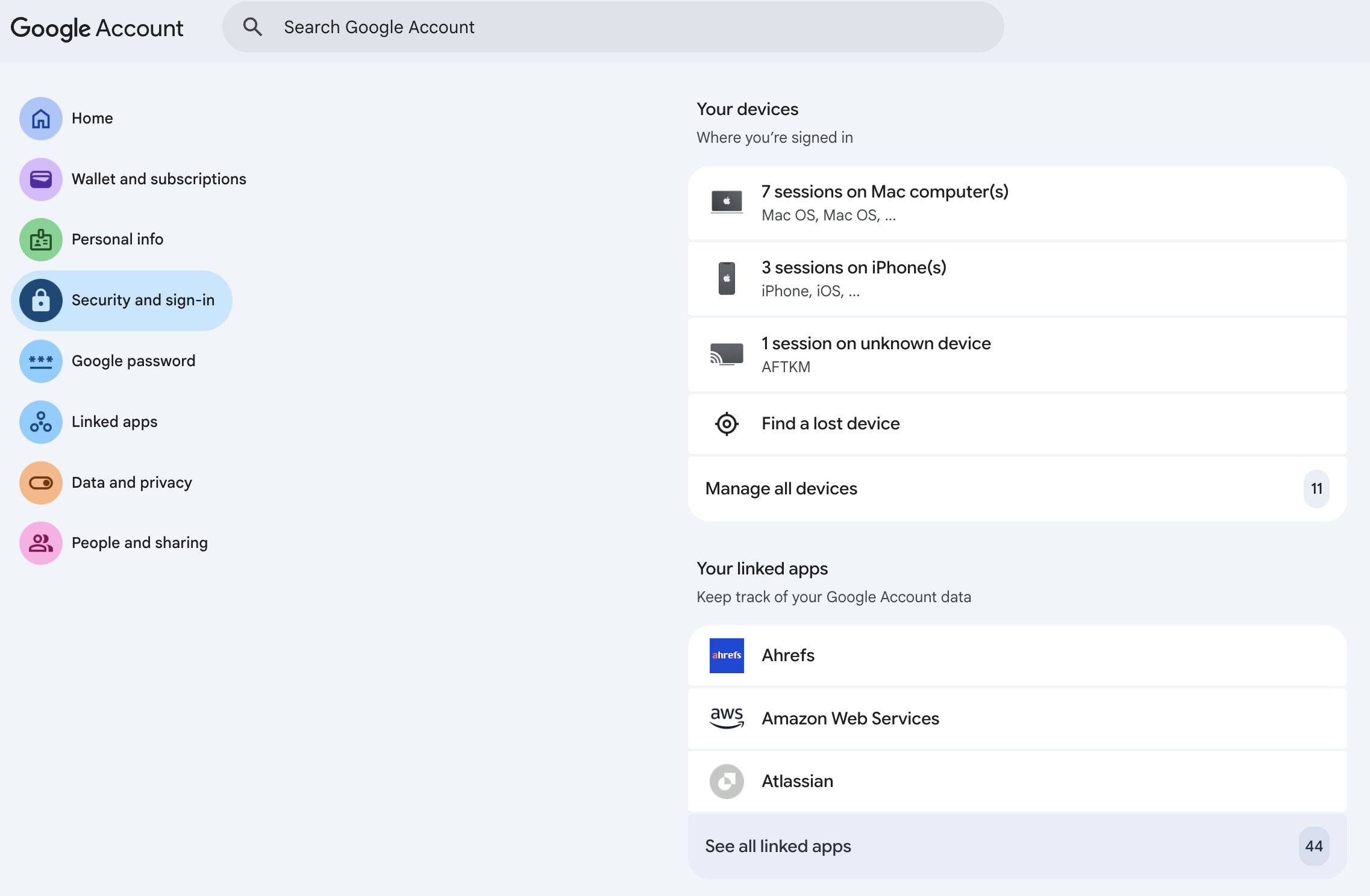
- Click DragApp, then choose Delete all connections you have with DragApp at the bottom of the page and confirm.
Once you confirm, Drag no longer has access to that account. If you use Drag on more than one Google Account, repeat these steps for each account.
If you have any questions, our support team is happy to help at support@dragapp.com.