The activity log records what your team does on a board. You can see it at two levels: the whole board, and a single card.
Available on: Chrome extension · Web app · Desktop app
Board activity log
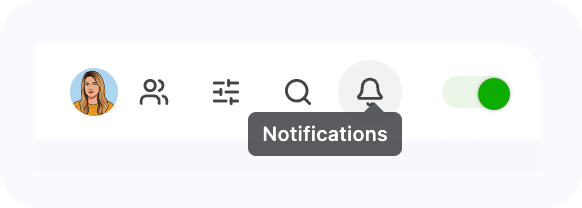
Open the activity log from the bell icon at the top right. It sits to the side of the board and holds the history of every action taken on that board over time.
Priority tab
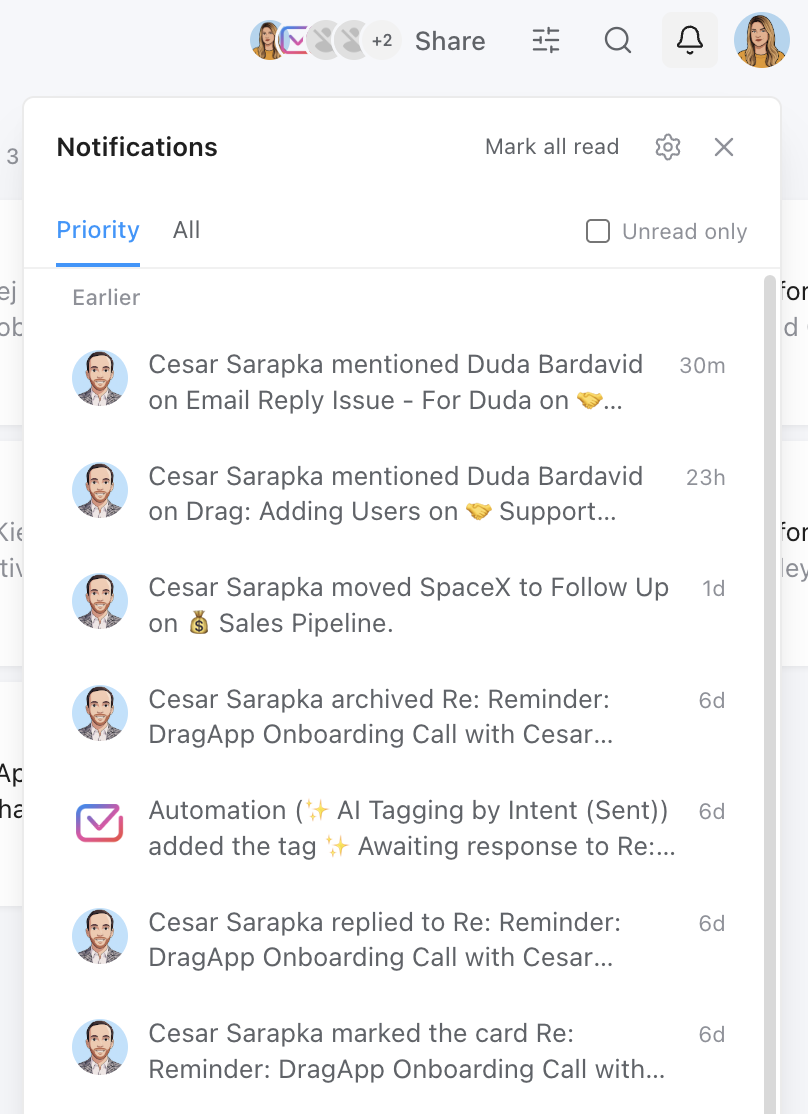
The priority tab shows relevant activity that requires your attention, while the All tab is more universal about all activity happening across the boards you're part of.
Only priority activities count towards the red notification count shown on the bell icon.
You can customize what you want to load on your priority tab by clicking on the cog item on the top right of the dropdown.
What is logged
The activity log records: comments, @mentions, due dates, new cards, tasks, notes, assignments, archiving, moves across boards or columns, color coding, tags, and merges. Click any notification to jump straight to the card. Use Mark all as read to clear the bold from every notification at once.
Card activity log
To see the activity for a single card, open the card and go to its Activity view. It works like the board log, but scoped to that one card. Where you find it differs by platform.
In the Chrome extension
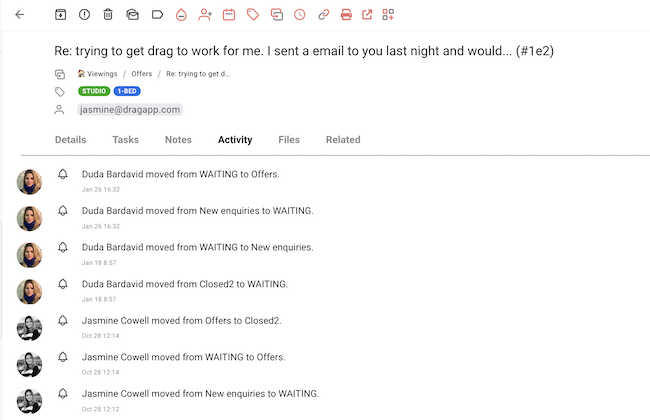
Activity is one of the tabs in the card's top tab row (alongside Details, Tasks, Notes and the rest). Click it to see the card's history.
In the web app
Activity is in the card's right-hand panel. At the top of the panel, switch from Properties to Activity.
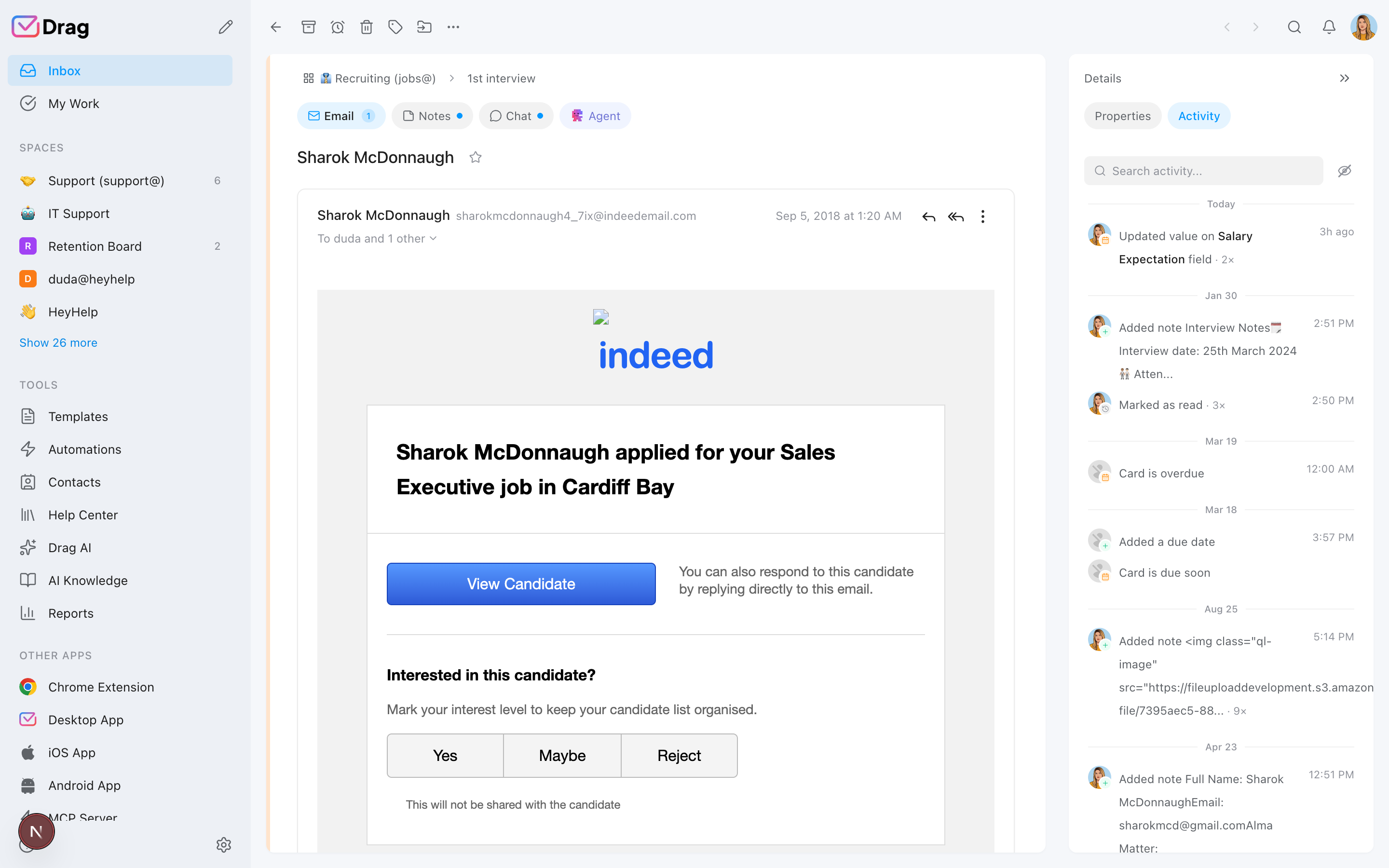
The desktop app works the same way as the web app, with silent auto-updates.
Changes made with Varley
When you approve something Varley proposed, it's done through your account, so the activity log shows it under your name, as if you'd done it yourself. Notifications go out as usual. See How does Varley ask before it acts?