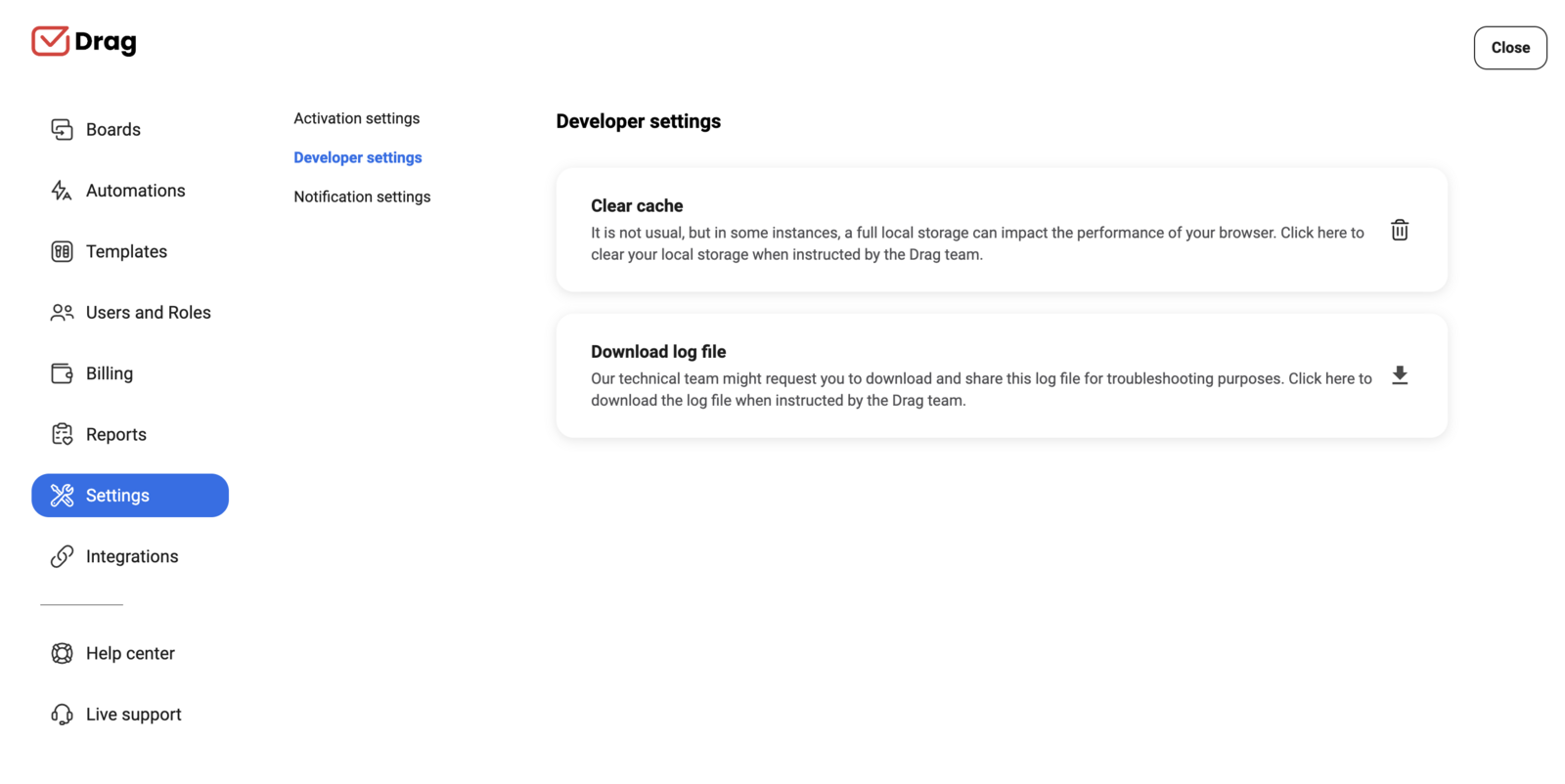
Rarely, a full local cache can cause glitches in Drag. Clearing it usually resolves them. This clears Drag's own cache, not your emails or boards.
Available on: Chrome extension · Web app · Desktop app
Clear the cache
- In the Chrome extension, open the Drag menu, then Settings, then Developer settings, and click the bin icon next to Clear cache.
- In the web app, open Settings from the avatar menu (top right), go to Developer, and clear the cache there.
If clearing the cache does not help, see Drag doesn't load or is broken.