Drag is the inbox for teams: a shared inbox purpose-built for customer email. It brings your team's support, sales and task work into one place, so you can reply, assign and track together instead of forwarding and cc'ing between each other.
You can use Drag inside Gmail (the Chrome extension), as a standalone web app at app.dragapp.com, as a desktop app, or on iOS and Android. Your boards, cards and teammates stay in sync wherever you sign in.
Available on: Chrome extension · Web app · Desktop app · Mobile app (iOS & Android)
How Drag works
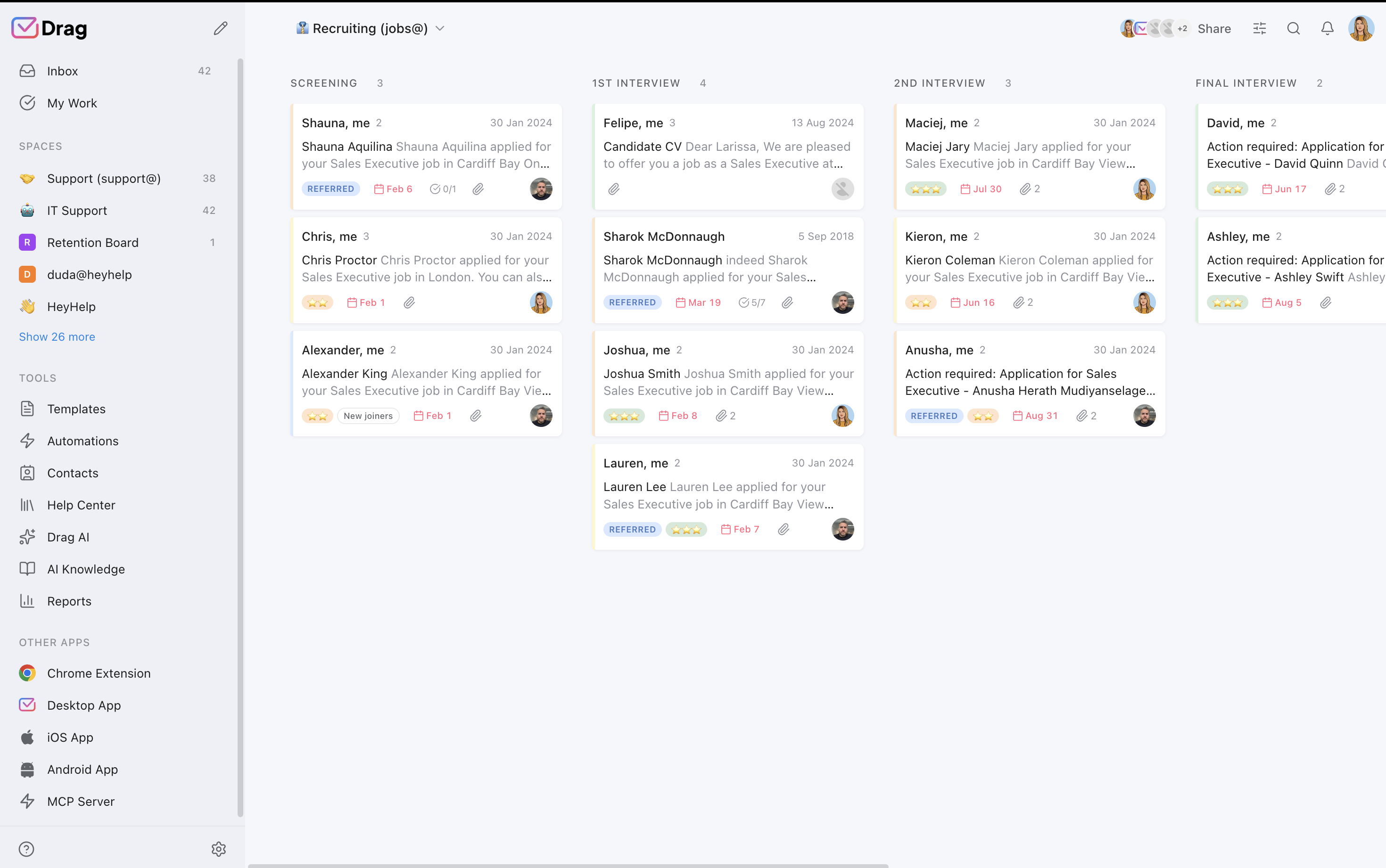
Drag organizes your work into boards. Each board is made of columns and cards, and every card can represent a lead, a support ticket, a task, or any other step in your workflow. A board can pull in real-time incoming emails, or start as a blank canvas your team builds on.
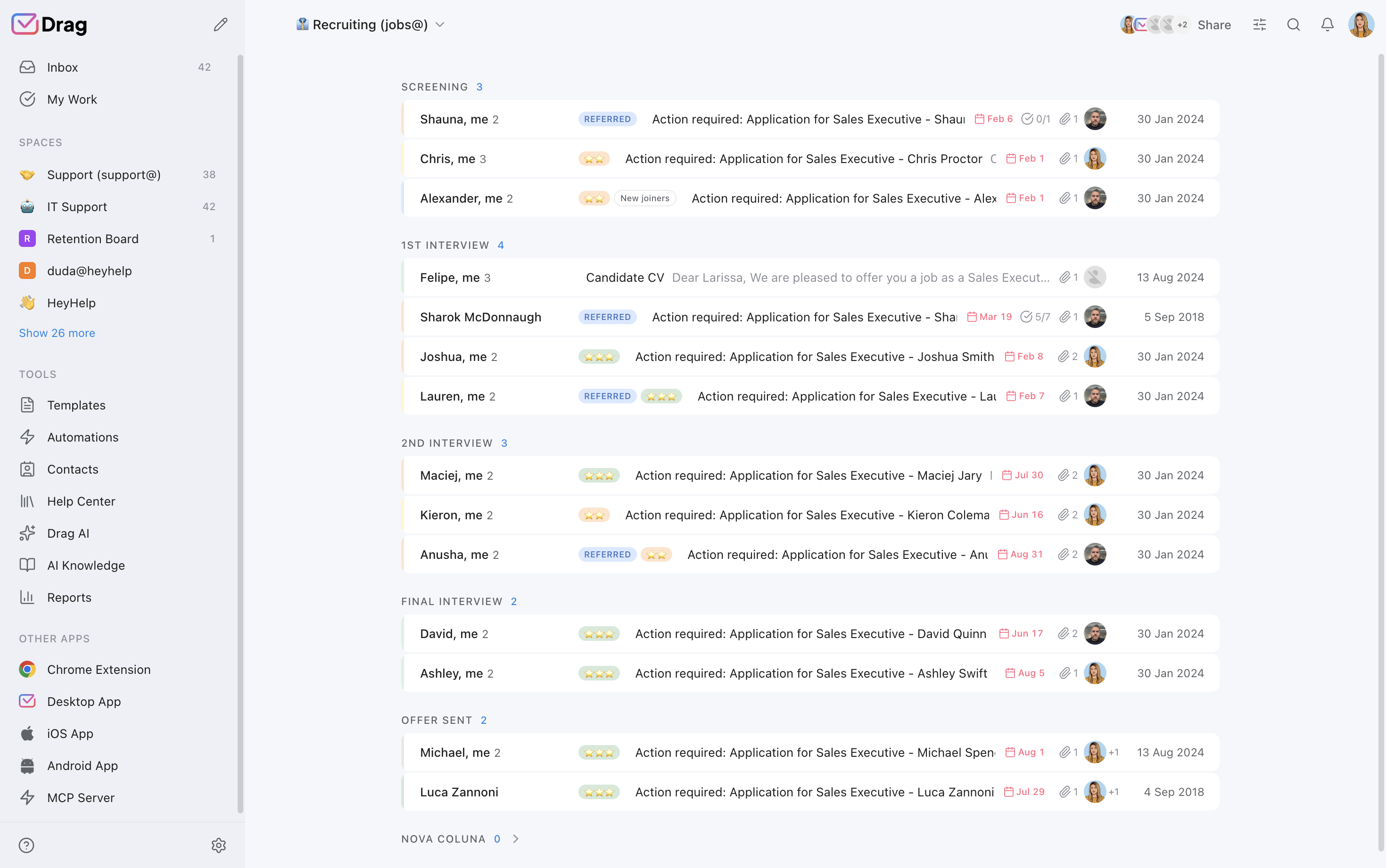
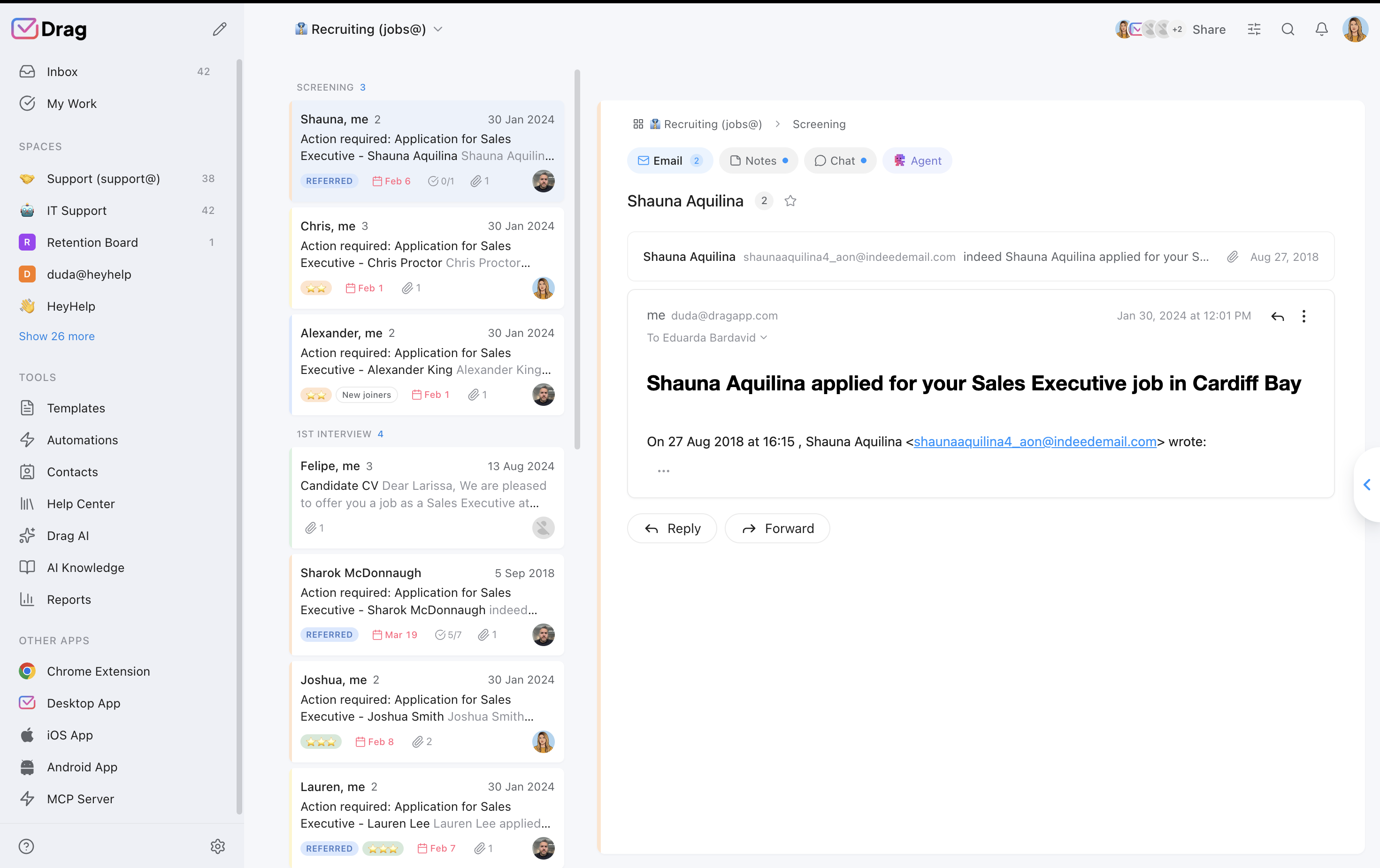
You can view a board three ways in the Chrome extension (Kanban, List and Preview) and four ways in the web app (Kanban, List, Preview and Stream), and switch between them at any time.
What you can do with Drag
- Shared inbox: handle a team address like support@ or sales@ together, with real-time collaboration so two people don't reply to the same email at once.
- Boards and views: organize work as Kanban, List or Preview, with custom views to focus on what matters.
- Assignments, due dates and tags: give every card an owner, a deadline and labels, and track it from open to done.
- Templates and sequences: reuse your best replies and send automated follow-ups.
- Automations: route and reply automatically with rules, round-robin assignment, SLAs and auto-responders.
- Varley: the AI inside Drag. Ask it about your inboxes, catch up on long threads, triage a board, get replies drafted and update cards in bulk. It proposes, you approve. See What is Varley?
- Drag AI: draft replies automatically and tag incoming email by intent and sentiment.
- More channels: run a WhatsApp shared inbox alongside email, and publish a public Help Center for your customers.
Working in Gmail vs the web app
The Chrome extension brings Drag into Gmail, so you manage boards next to your everyday email. The web app gives you the same boards in a full-screen app in your browser, with a few web-only extras like the Stream view and a personal My Work view.
Not sure which one to use? See Which Drag platform should I use?.
Get started
The fastest way to try Drag is to install the Chrome extension and turn any board into a shared inbox. From there you can explore what Drag boards can do.
If you need a hand setting up your account, email us at support@dragapp.com, and our Customer Success team is happy to help.