If you use Drag with more than one of your own accounts, the web app lets you add them all and switch between them without signing out.
Available on: Web app · Desktop app
Note: This is personal account switching, for signing into several of your own accounts. It is different from transferring a paid seat from one teammate to another, which is the Switch user action covered in managing users in your subscription.
Switch between accounts
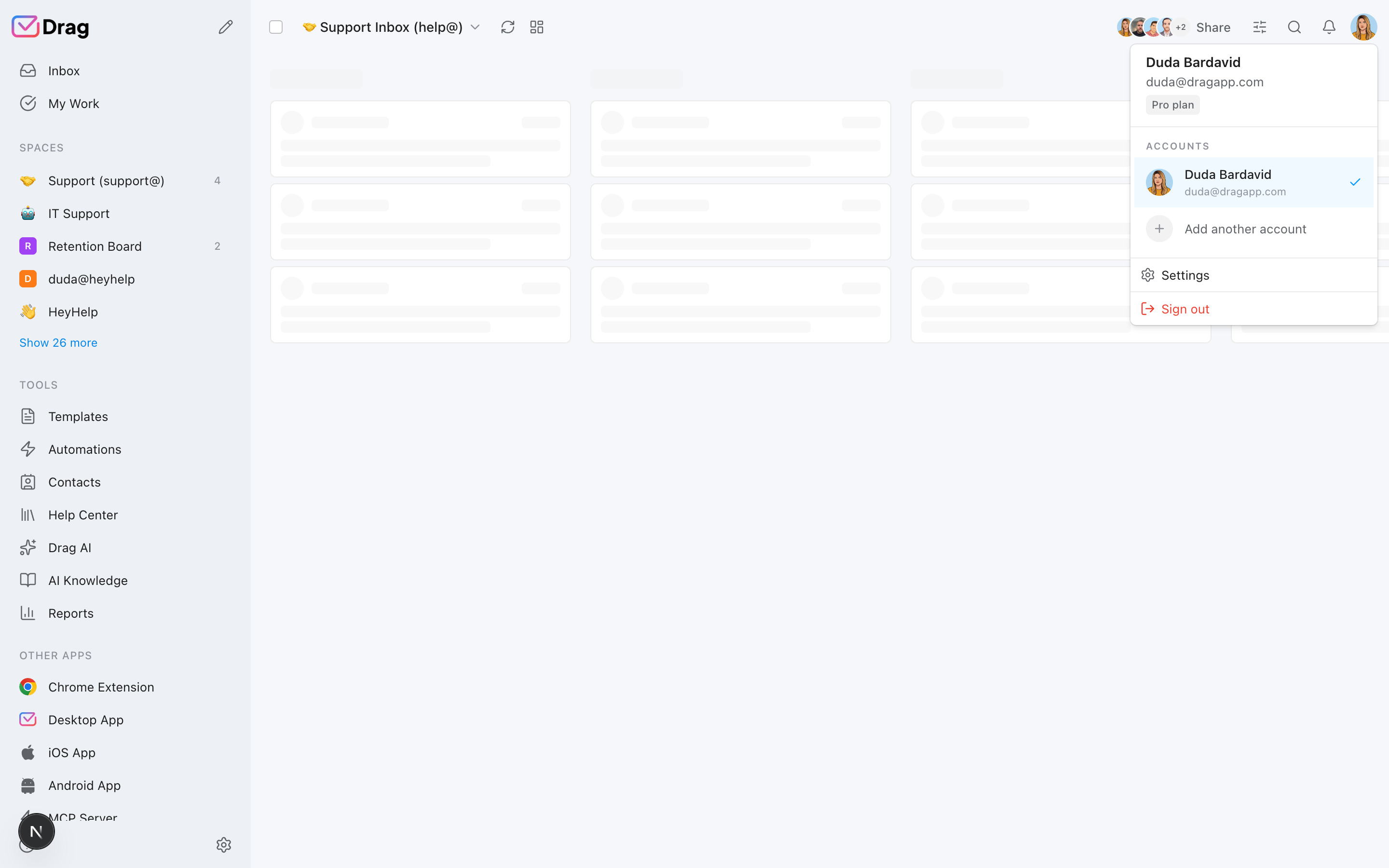
- Click your avatar at the top right to open the account menu.
Under Accounts, click the account you want to use. Drag switches to it and opens its inbox.
Add another account
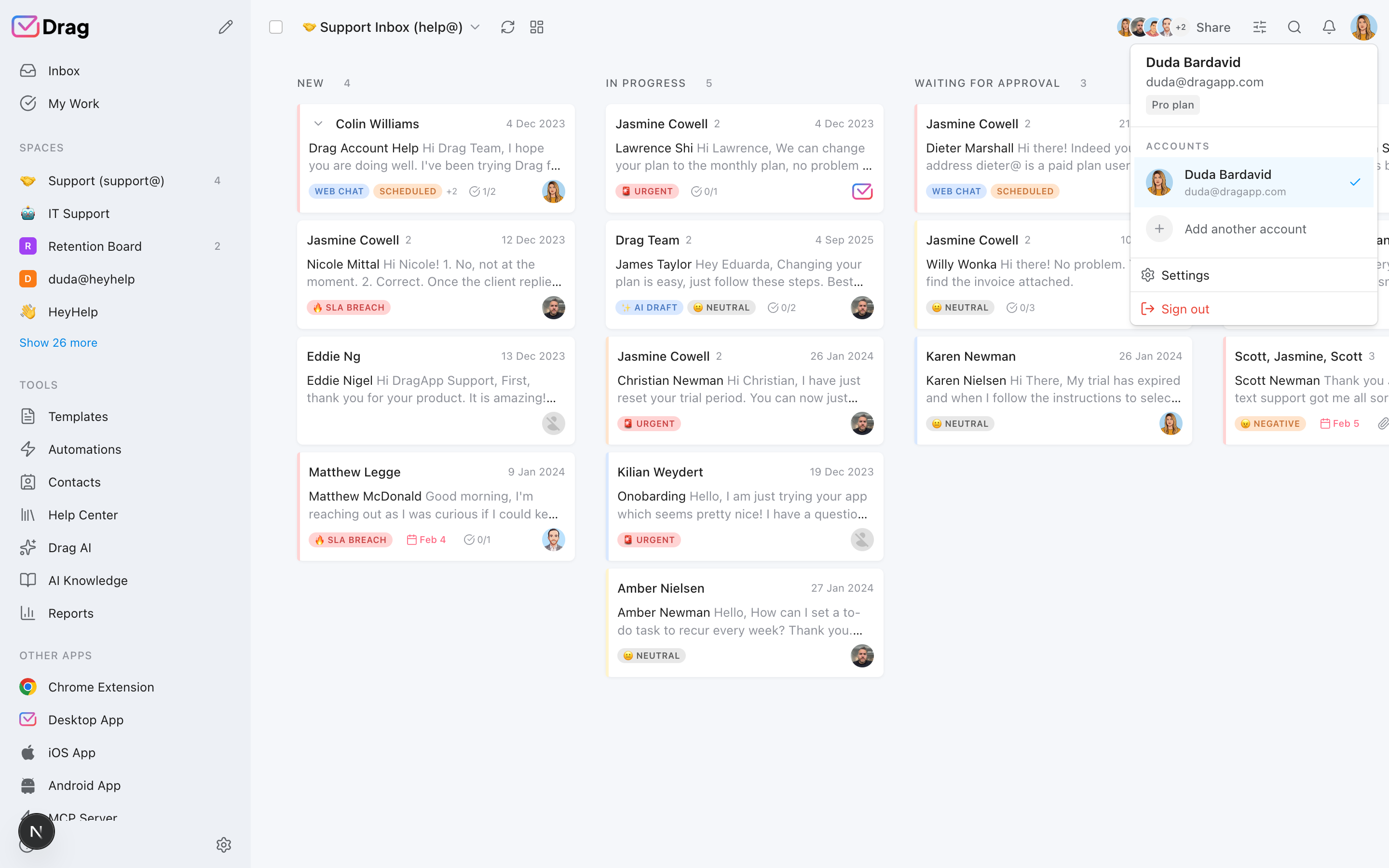
- Open the avatar menu.
- Click Add another account.
Sign in with Google and pick the account to add.
Remove an account
In the avatar menu, click the x next to an account you no longer want stored on this device. To sign out of the account you are using, click Sign out.
The desktop app works the same way as the web app.