Shared Contacts give your whole team one up-to-date contact list inside your inbox, so no one has to chase down a phone number or wonder if an email is current. Contacts work across channels, so they show up whether a conversation is on email or WhatsApp.
Available on: Chrome extension · Web app · Desktop app
Note: Shared Contacts are available on the Plus and Pro plans.
The Contacts Directory
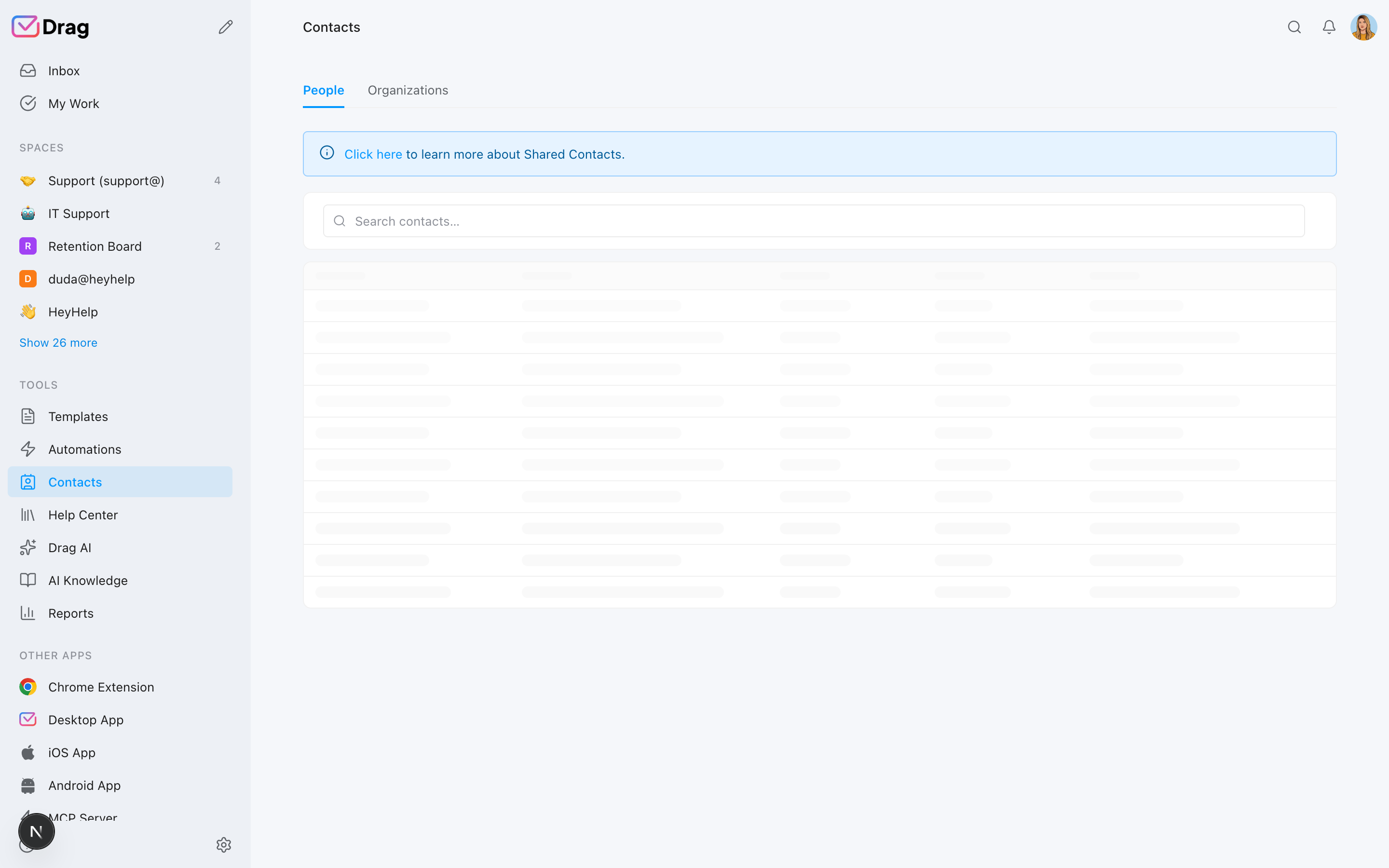
The Contacts Directory is where you find all your contacts and companies. Open it from Contacts: in the Chrome extension, from the dashboard; in the web app, from the sidebar.
- Choose the People or Organizations tab.
- Each row shows the name, email, phone number and domain.
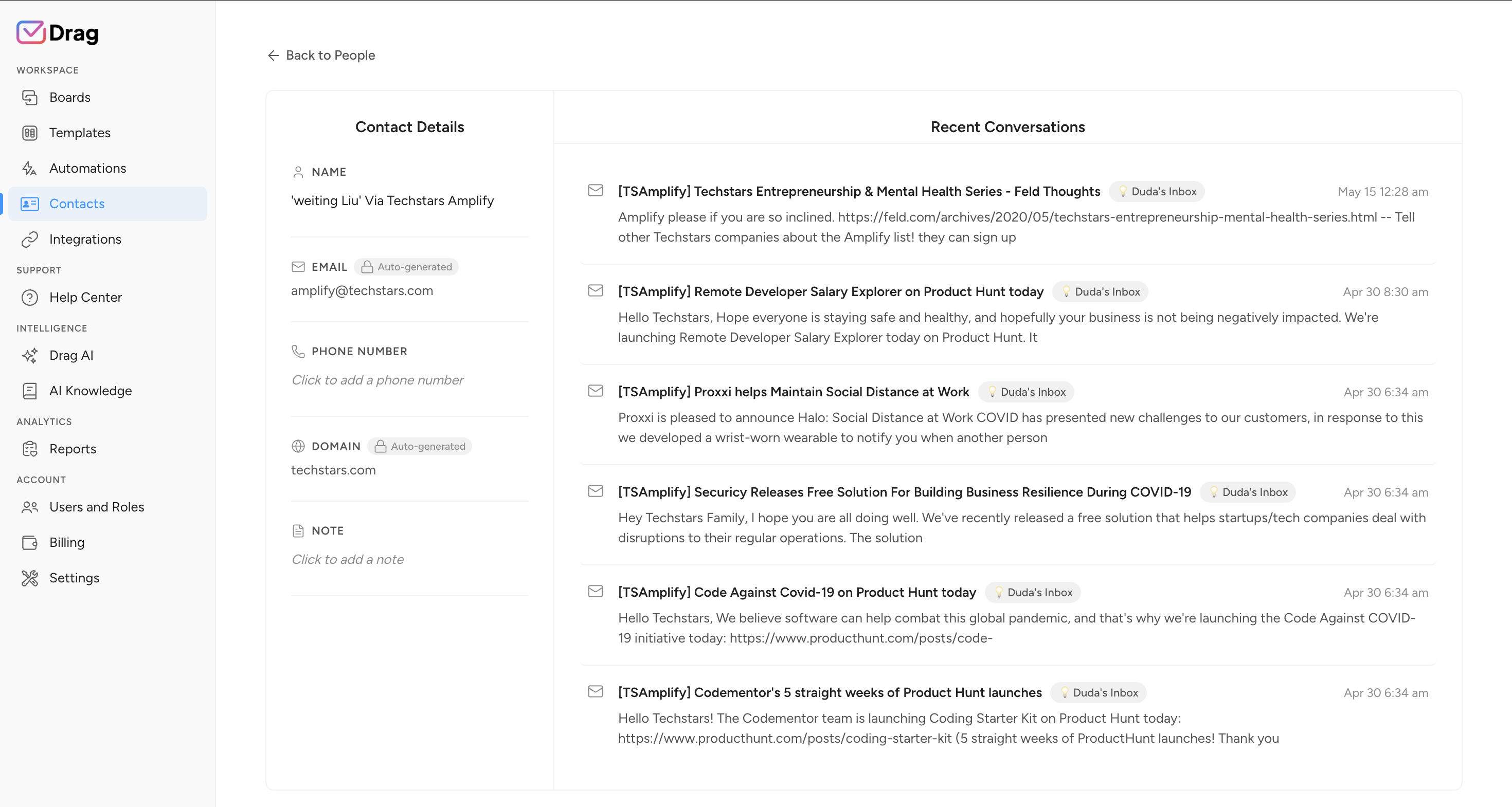
- Click a contact to open its full profile, including a timeline of past emails.
Edit a contact
Open a contact's profile and edit their details or add a note. Everything you change is shared with your team, so everyone stays aligned.
Note: If a conversation is on a board you are not part of, you cannot open the full message, but you still see the board, dates and whether it was email or WhatsApp. Ask the board owner or an admin if you need access.
Contacts on cards
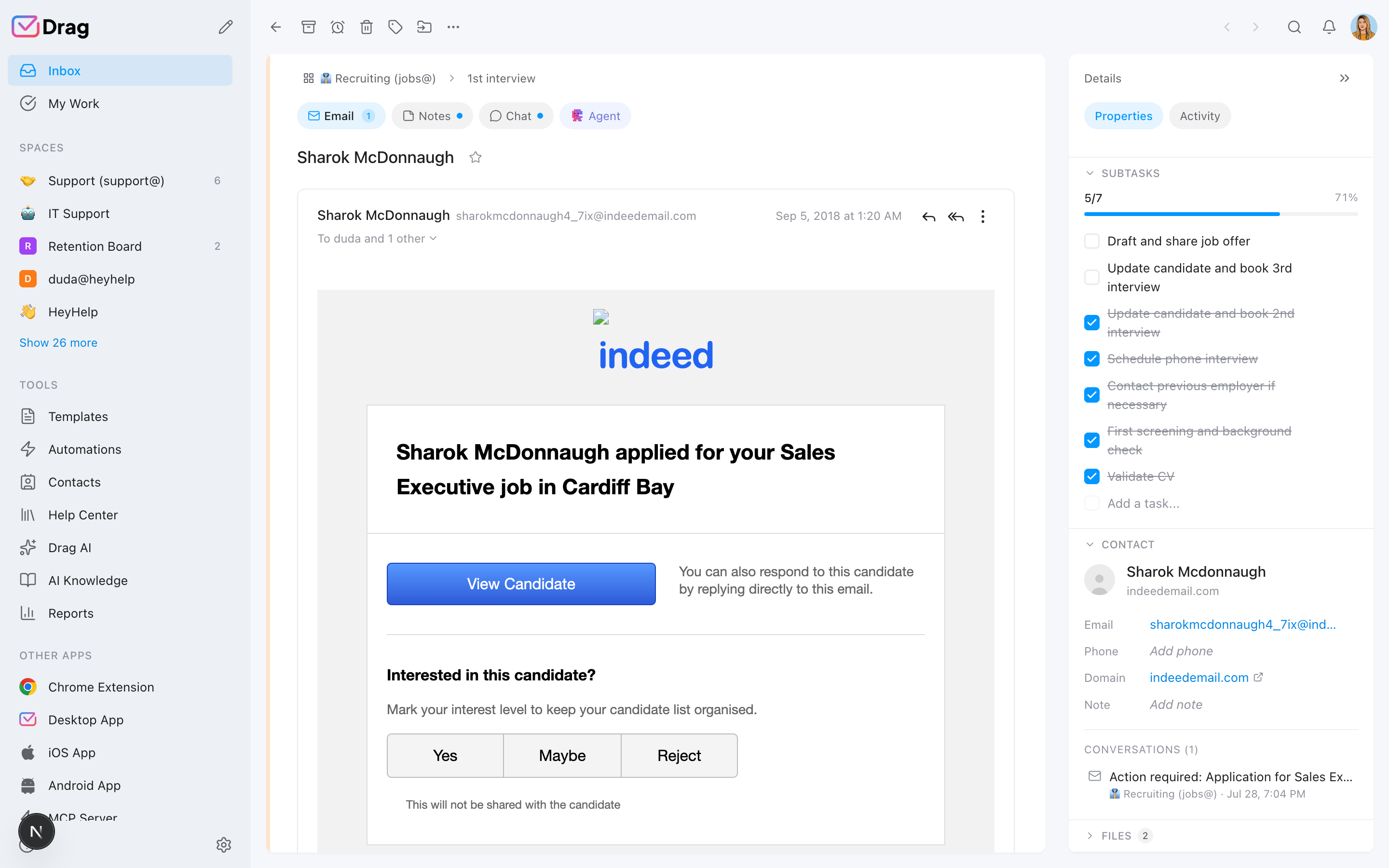
Every card on a shared board is linked to one main contact. To see it, open the card and go to the Contact tab, where you can view or edit the contact's profile.
How contacts are matched
| Conversation type | How the contact is chosen |
|---|---|
| Inbound (first email came into the board) | The From address of the first email |
| Outbound (first email sent from the shared inbox) | The first To address of the first email |
| Cards moved into a board manually | The From address of the last email before it was added |
Email and WhatsApp contacts
Contacts work across channels, so one view shows every past conversation with a person or organization, on email and WhatsApp:
- Email contacts are matched to a unique email address.
- WhatsApp contacts are matched to a unique phone number.
- Add a domain to a WhatsApp contact to link it to that organization.
Icons on the left of each card show whether it is an email or a WhatsApp conversation.
Contacts settings
To adjust settings, click the Drag icon, then Settings, then Contact settings. From here you can:
- Share personal inbox contacts: by default, contacts from your personal board are not shared. Turn this on to share them with your team.
- Exclude generic domains: keep the list clean by excluding addresses like gmail.com or hotmail.com.
The desktop app works the same way as the web app, with silent auto-updates.
Tip: With a thread open, ask Varley: “What's the history with this contact?”