Round Robin assignment shares new cards out evenly across a team, in rotation, so no one has to assign emails by hand. It is an automation that uses the Assign among action.
Available on: Chrome extension · Web app · Desktop app
Note: Round Robin assignment is available on the Pro plan. For how it compares to Load Balancer, see What is the difference between Round Robin and Load Balancer?
Set up Round Robin on a board
Open Automations (from the dashboard in the extension, or the sidebar in the web app).
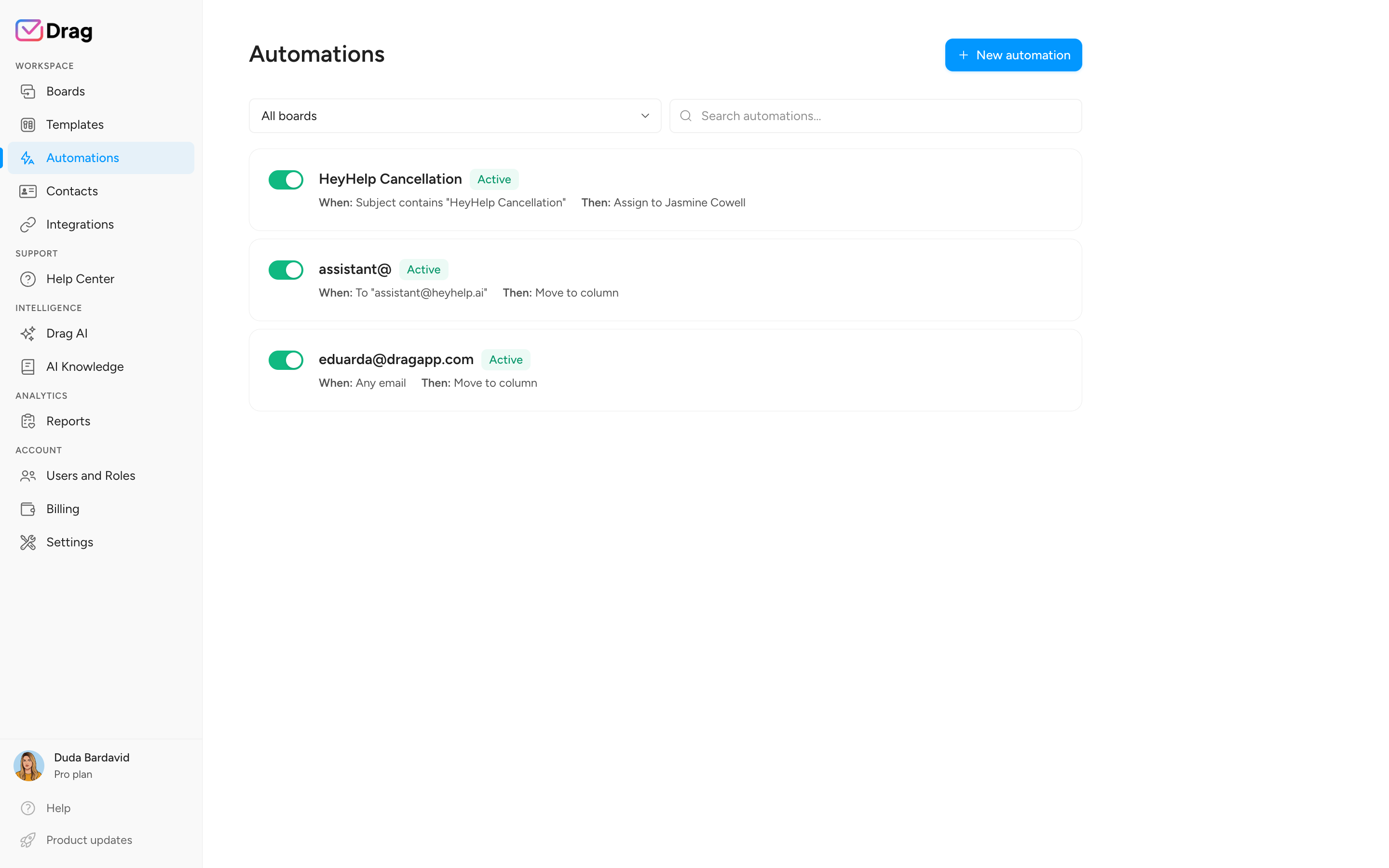
- Click Create new automation.
- Name and describe the automation.
- In When, select card received.
- In On, choose the board.
- In If, choose a criterion (for example a specific subject), or any email to distribute everything on the board.
- In Then, select Assign among.
- Choose the people to include, or All board members.
Round Robin for a subset of cards
You can also rotate assignments for only certain cards. For example, to assign by tag, set the When trigger to Tag is added, then pick the tag in If. You can combine this with other actions, such as changing color. To limit by sender or subject, set those conditions in If.
Round Robin for cards moved onto a board
Each automation has one trigger, so to cover both new email and cards moved onto the board, create two automations: one with Card received and one with Card is moved to.
Things to know
- Round Robin only affects cards that arrive after you set it up.
- A card auto-assigned to one person can still be reassigned by hand.
- When you start Round Robin, Drag accounts for existing assignments first. If one teammate already has 10 cards and another has none, the next 10 cards go to the second teammate before rotation evens out.
The desktop app works the same way as the web app, with silent auto-updates.