Email tracking tells you when a recipient has opened your email. This article shows how to turn it on and read the results.
Available on: Chrome extension
Email tracking is a Gmail (Chrome extension) feature.
Turn tracking on or off
The tracking setting is on the formatting bar of the compose box, when you are composing or replying. Click the checkmarks icon to turn it on or off. When the checkmarks are filled green, that email is tracked; when they are empty, it is not.

Tell whether an email has been read
A read email shows two green checkmarks; an unread one shows a single green checkmark. You can see this in a few places:
- On your boards, next to the email subject.
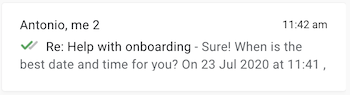
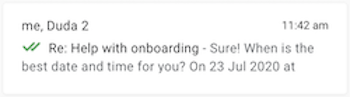
- Inside the email, on the top bar, next to the date.


- In the Gmail Sent folder, on the right of each email when you hover it.

See when and how often an email was viewed
Hover the tracking checkmarks to see how many times the email was viewed, plus the exact time of the first and last views.

If you still need help, our team is happy to help at support@dragapp.com.